

Artificial intelligence has quickly moved from a novelty to an everyday tool for marketers. Used well, AI for social media marketing can help you brainstorm faster, write first drafts in minutes, create visuals and make sense of your results. Used carelessly, it can produce bland, generic posts that sound like everyone else.
The difference comes down to how you use it. This guide explains where AI genuinely helps, how to fit it into your workflow and which guardrails keep your content accurate, on-brand and human.
What AI for social media marketing can and cannot do
It helps to set realistic expectations. AI tools are excellent at producing options quickly. They can suggest angles you had not considered, rewrite text in different tones and summarize large amounts of information. They are far less reliable at knowing your customers, understanding your brand's history or judging what is appropriate in a sensitive moment.
Think of AI as a fast, tireless assistant rather than a replacement for your marketing judgment. You still set the strategy, choose what to publish and take responsibility for every post that goes out under your name.
Practical ways to use AI in your social media workflow
Here are the areas where many brands find AI saves the most time.
1. Brainstorming content ideas
When you are stuck, ask an AI tool for post ideas around a specific topic, audience and goal. For example, request ten educational post ideas for small restaurant owners about reducing food waste. You will not use all of them, but a few will spark something worth developing.
2. Drafting captions
AI can turn a rough idea or a few bullet points into a draft caption. Ask for several variations with different hooks or lengths, then pick the strongest and edit it so it sounds like you.
3. Suggesting hashtags
AI can propose relevant hashtags based on your caption and topic. Review them carefully and keep only the ones that genuinely describe your content and community.
4. Repurposing content across platforms
One blog post, webinar or video can become a LinkedIn post, an Instagram carousel outline, a short video script and a thread. AI is especially useful for reshaping the same core message to suit different formats and audiences.
5. Creating visuals
AI image tools can help you produce simple graphics, backgrounds and concept images when you do not have a designer on hand. Always check that generated images fit your brand style and do not mislead your audience.
6. Analyzing performance
AI can help you summarize trends in your analytics, spot which topics resonate and suggest experiments to try next. Treat these insights as prompts for your own investigation rather than final answers.
How to write better prompts
The quality of AI output depends heavily on the instructions you give. Vague prompts produce vague content. Strong prompts usually include:
- Context: who your brand is, what you sell and who your audience is.
- Goal: what the post should achieve, such as driving comments, clicks or saves.
- Platform: where the content will appear, since each network has different norms.
- Tone: a description of your brand voice, with examples of past posts if possible.
- Constraints: length, words to avoid, a required call to action or formatting needs.
If the first result misses the mark, give feedback and ask for a revision. Iterating with the tool often produces much better results than starting over.
Keep your brand voice human
Audiences can often sense when content feels generic. To keep your posts distinctive:
- Create a short brand voice guide and include it in your prompts.
- Add personal stories, real opinions and specific details that only your team knows.
- Edit every draft, cutting clichés and filler phrases.
- Reply to comments personally, especially when someone shares a problem or a complaint.
AI should help you spend less time on repetitive tasks so you can spend more time on the creative and relational work that builds real connection.
Guardrails for using AI responsibly
A few simple rules will protect your brand and your audience:
- Fact-check everything: AI tools can state incorrect information confidently. Verify facts, figures, names and dates before publishing.
- Protect sensitive information: avoid pasting confidential business data or customer details into tools unless you understand how that data is handled.
- Respect copyright: make sure generated images and text do not copy other people's work, and follow each platform's rules on AI-generated content.
- Keep a human in the loop: have a person review content before it goes live, particularly on sensitive topics.
- Be transparent where appropriate: label AI-generated imagery when it could otherwise mislead viewers.
Bringing AI into your social media tools
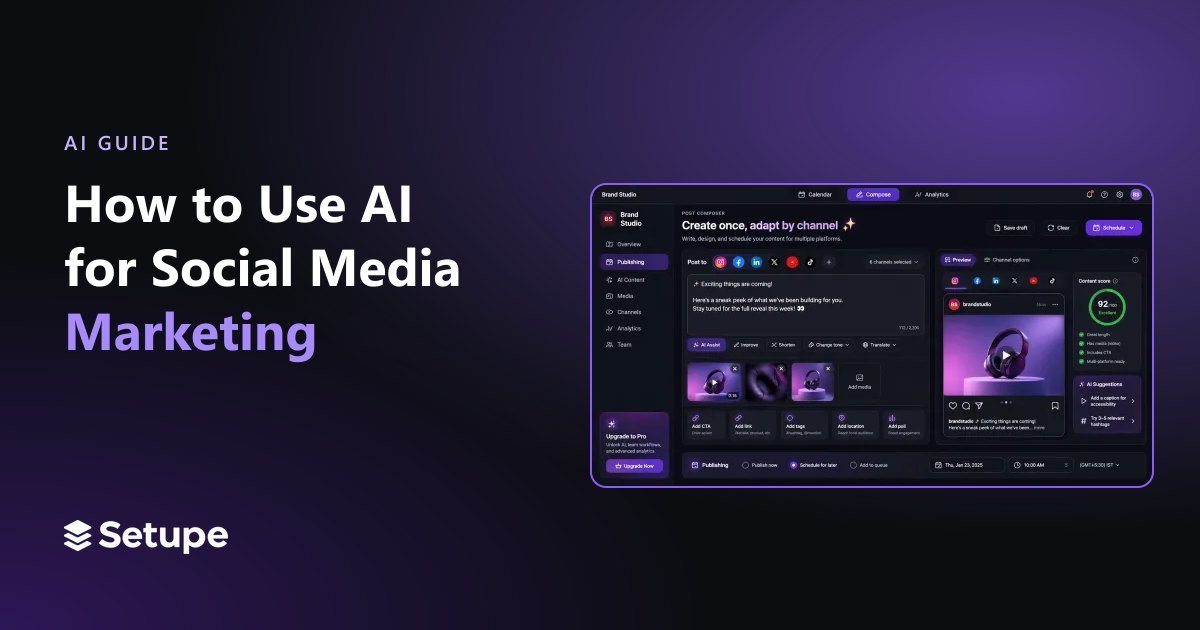
Switching between a chatbot, an image tool and a scheduler adds friction. It is often easier when AI is built into the platform where you already plan and publish. Setupe includes AI captions, hashtags and images inside its post composer, which also adapts each post for different channels. Once your content is ready, you can schedule it on the visual publishing calendar, route it through team approvals and review its performance in analytics and reports.
For repetitive tasks, such as sharing new blog posts automatically, Setupe also offers RSS scheduling and automation workflows. Combined with a well-planned social media content calendar, these features let AI handle more of the busywork while your team focuses on strategy and conversations.
Frequently asked questions
Will AI replace social media managers?
AI can automate parts of the job, but strategy, creativity, community management and judgment still need people. It is best viewed as a tool that makes social media managers more productive.
Is AI-generated content bad for engagement?
Not necessarily. Generic, unedited content can underperform, but AI drafts that are carefully edited and personalized can work well.
What is the best first step for using AI?
Start small. Use AI to brainstorm ideas or draft captions for one platform, review the results and expand once you are comfortable.
Conclusion
AI for social media marketing works best as a partner, not a replacement. Use it to generate ideas, draft captions, create visuals and understand your data, then add the human insight, voice and care that make your brand worth following. Start with one or two use cases, set clear guardrails and build from there.
Ready to bring AI into your planning and publishing? Create your Setupe account and start creating content faster without losing your voice.